Virtualization has become a cornerstone of modern IT infrastructure. Whether you’re running a small business or a global enterprise, virtual machines (VMs) help reduce hardware costs, improve resource utilization, and streamline disaster recovery. Two of the most prominent players in this space are Microsoft Hyper-V and VMware vSphere/ESXi.
But which one should you choose? The answer depends on your organization’s size, existing infrastructure, budget, and future IT roadmap. In this guide, we’ll break down everything you need to know about Hyper-V and VMware, compare their strengths and weaknesses, and help you make an informed decision.
What is Microsoft Hyper-V?
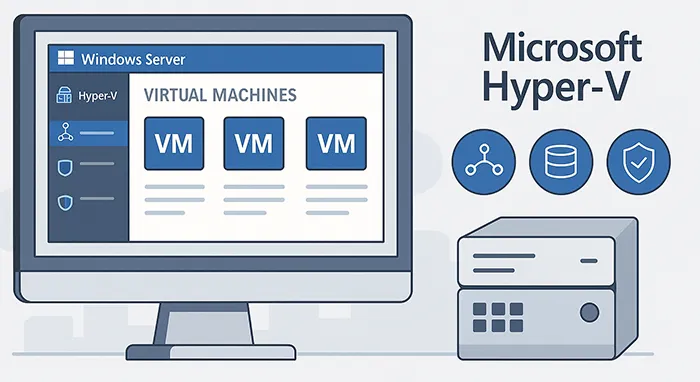
Hyper-V is Microsoft’s native hypervisor, included in Windows Server and available as a standalone option (Hyper-V Server). It allows administrators to create and manage multiple virtual machines on a single physical server, with tight integration into Windows environments.
Key Features of Hyper-V
- Seamless integration with Azure Active Directory and Microsoft ecosystem.
- Live Migration for moving VMs between hosts without downtime.
- Virtual networking with VLANs, QoS, and firewall rules.
- Cost-effective, since it’s bundled with Windows Server licenses.
What is VMware?
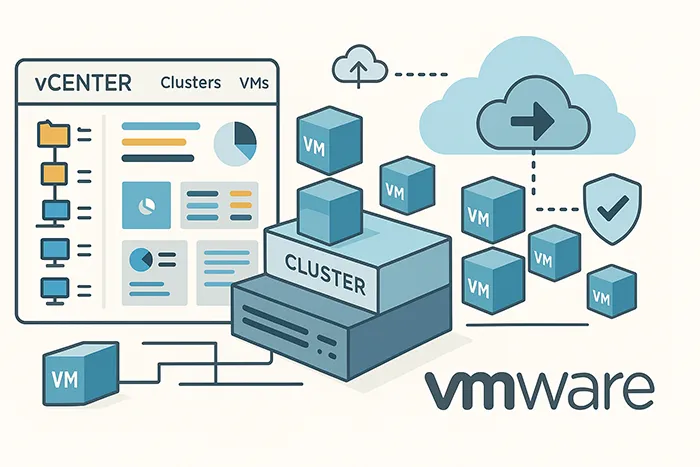
VMware, particularly its ESXi hypervisor and vSphere platform, is considered the industry standard for enterprise virtualization. VMware pioneered many virtualization technologies and continues to dominate in scalability and advanced features.
Key Features of VMware
- High-availability clustering and fault tolerance.
- Advanced VM snapshot management.
- NSX integration for software-defined networking (SDN).
- Wide compatibility with third-party tools and platforms.
Hyper-V vs VMware: Side-by-Side Comparison
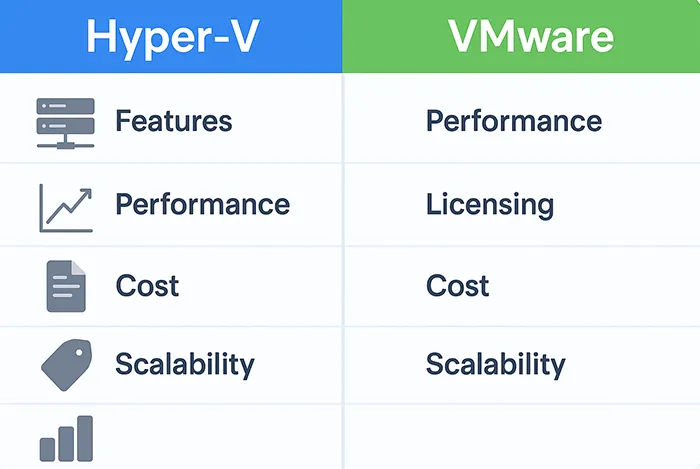
| Category | Hyper-V | VMware |
|---|---|---|
| Licensing | Bundled with Windows Server | Subscription-based licensing (vSphere, vCenter) |
| Ease of Use | Familiar to Windows admins | Steeper learning curve but highly customizable |
| Performance | Strong for SMB workloads | Optimized for large-scale enterprise deployments |
| Integration | Azure, Windows ecosystem | Broad third-party ecosystem |
| Cost | Lower upfront cost | Higher TCO but more features |
Licensing & Cost Considerations
One of the most significant differences between Hyper-V and VMware is pricing. Hyper-V is generally more cost-effective, particularly for organizations already invested in Windows Server. VMware, while more expensive, offers advanced features and scalability that may justify the cost for larger enterprises.

Performance and Scalability
When it comes to performance, VMware generally has the edge in large-scale deployments. Its resource scheduling and clustering technologies are mature and tested in enterprise environments. Hyper-V performs well for SMBs and organizations primarily running Windows workloads.
Integration with Cloud and Hybrid Environments
Hyper-V integrates tightly with Microsoft Azure, making it an attractive choice for organizations pursuing hybrid cloud strategies. VMware also supports hybrid cloud via VMware Cloud Foundation and partnerships with providers like AWS.
Security Considerations
Both platforms offer strong security features. VMware’s NSX provides micro-segmentation and advanced firewall capabilities, while Hyper-V leverages Zero Trust Security principles integrated with Microsoft Defender.
Use Cases
- SMBs: Hyper-V is ideal for small to mid-sized businesses seeking affordable virtualization tightly integrated with Windows.
- Enterprises: VMware is the preferred choice for global enterprises managing massive workloads across multiple data centers.
- Hybrid Cloud: Both solutions work well, with Hyper-V stronger for Azure integration and VMware excelling in multi-cloud flexibility.
The Future of Virtualization

The virtualization market is evolving rapidly, with AI-driven automation and cloud-native applications shaping the next generation of IT infrastructure. Both Hyper-V and VMware are adapting, with Microsoft investing heavily in Azure Arc and VMware focusing on Tanzu for Kubernetes and multi-cloud management.
Conclusion
Choosing between Hyper-V and VMware ultimately depends on your organization’s priorities:
- If you’re already using Windows Server and want a cost-effective solution: Hyper-V is a solid choice.
- If you’re an enterprise requiring maximum scalability, advanced features, and multi-cloud flexibility: VMware is worth the investment.
In many cases, organizations use a mix of both depending on workload requirements. By understanding their strengths and weaknesses, you can align your virtualization strategy with your business goals.
Frequently Asked Questions
Which is easier to use, Hyper-V or VMware?
Hyper-V is easier for Windows admins due to its familiar interface, while VMware has a steeper learning curve but offers more customization.
Is Hyper-V free?
Yes, Hyper-V Server is available for free, though enterprise features often require Windows Server Datacenter licensing.
Which platform is better for hybrid cloud?
Hyper-V integrates seamlessly with Microsoft Azure, while VMware offers strong multi-cloud options through VMware Cloud Foundation.
Can VMware run on Windows?
VMware Workstation can run on Windows desktops, but vSphere/ESXi runs directly on bare-metal servers.
Which is more cost-effective for SMBs?
Hyper-V is generally more cost-effective since it’s bundled with Windows Server, reducing upfront costs.