Microsoft requires activation to prevent software piracy. Typically, Windows prompts you to enter a product key during installation, which it then validates online. Let’s explore four easy ways to confirm whether your Windows 10 or 11 system is activated and genuine.
Related: Five Ways to Check Windows Activation (All Versions)
Method 1: Check Activation via Settings App
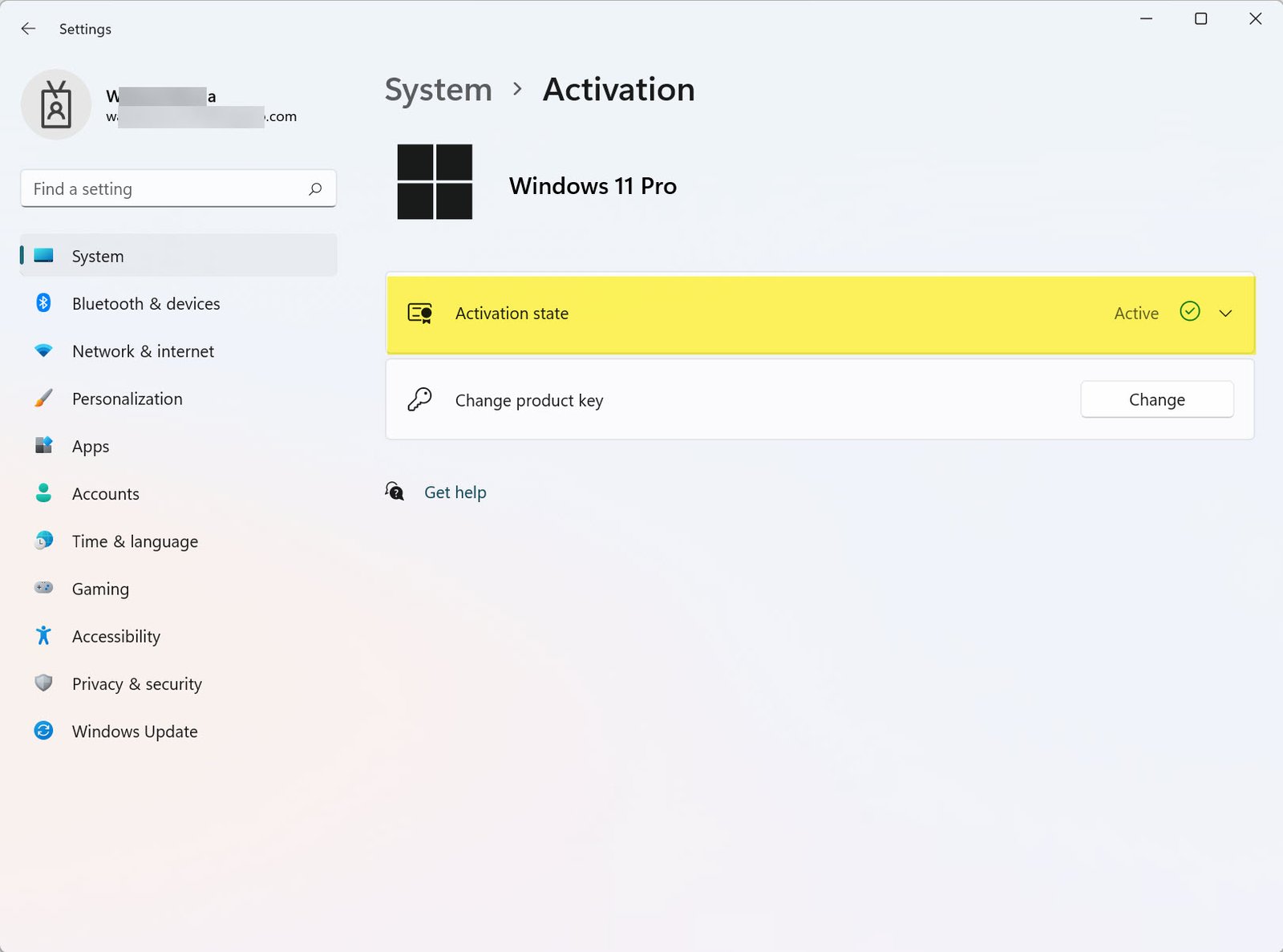
Windows 11
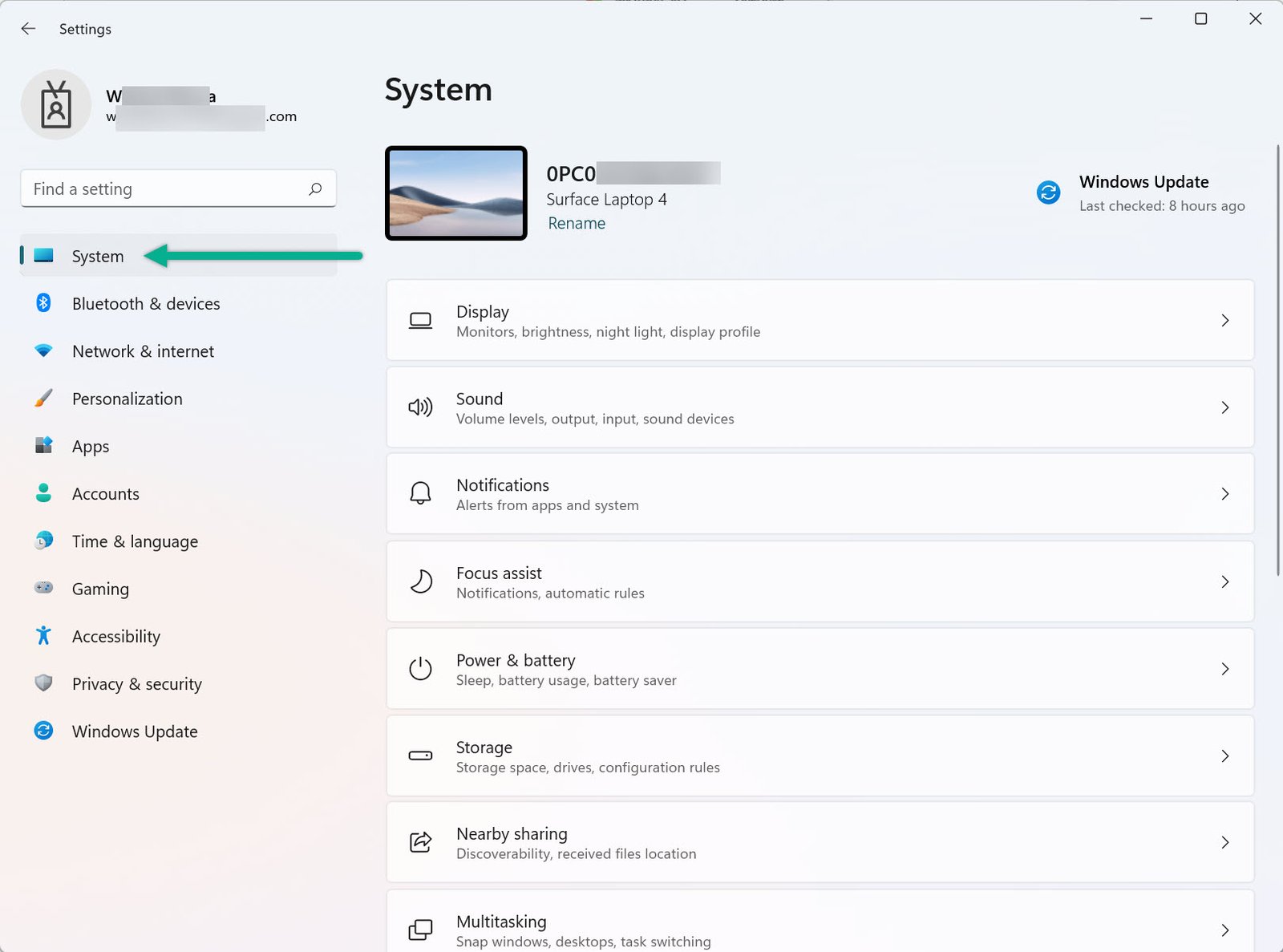
- Press Windows + I to open Settings.
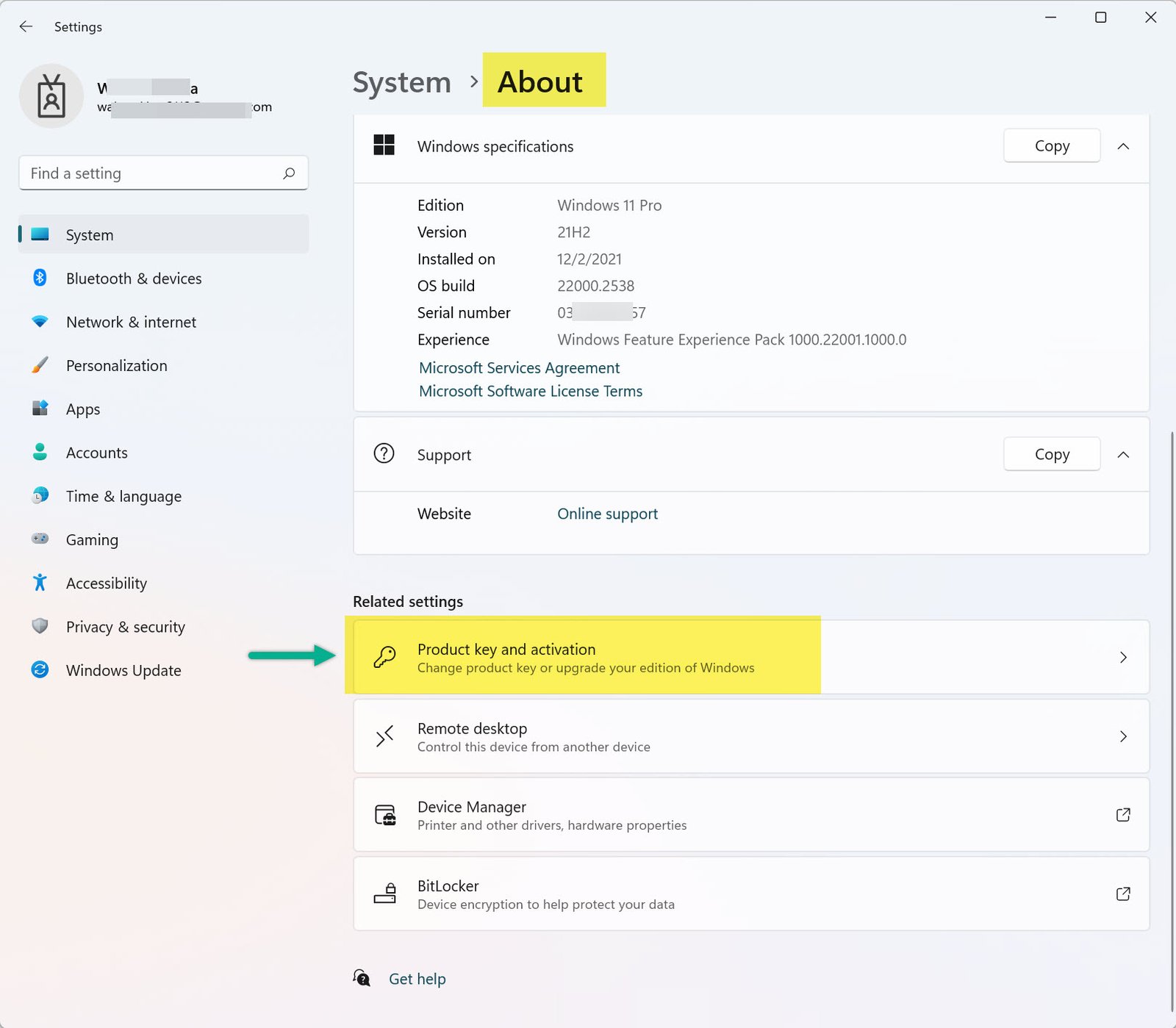
- Click on System.
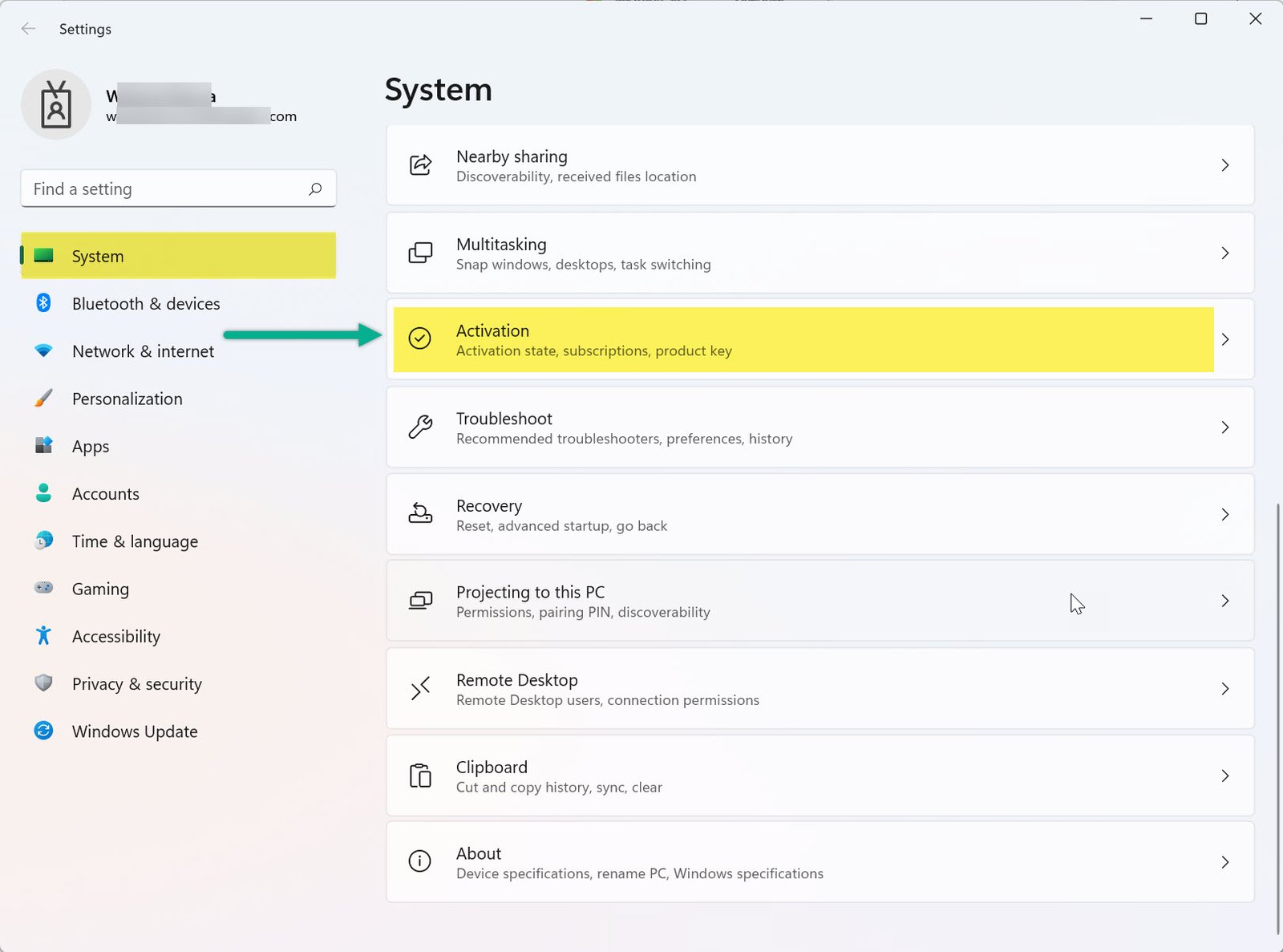
- Select Activation from the sidebar.
- If you see “Windows is active,” your copy is genuine.
Windows 10
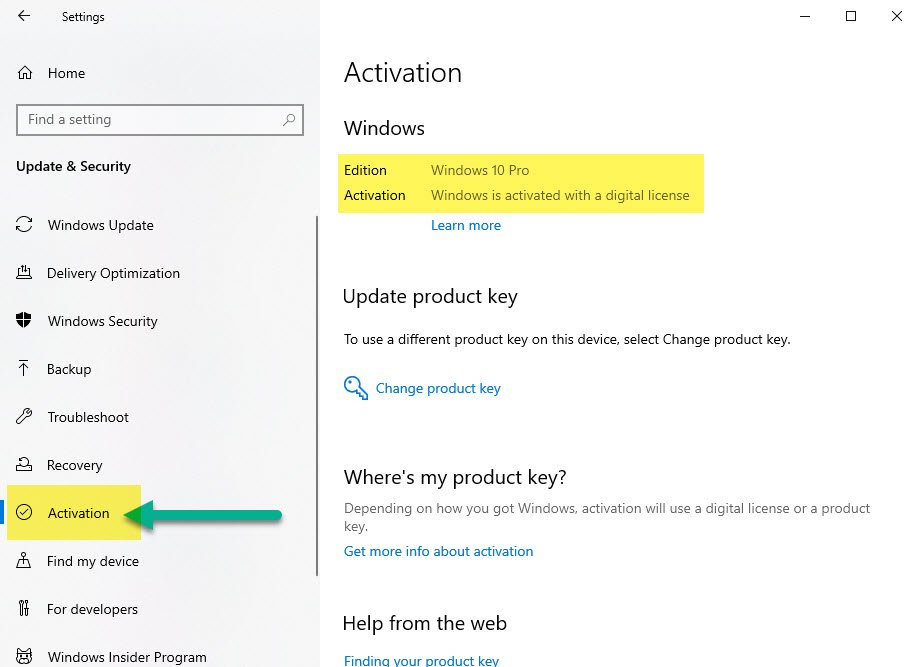
- Press Windows + I to open Settings.
- Click Update & Security.
- Choose Activation from the left menu.
- Look for “Windows is activated with a digital license.”

Method 2: Use the Control Panel
This works for both Windows 10 and 11.
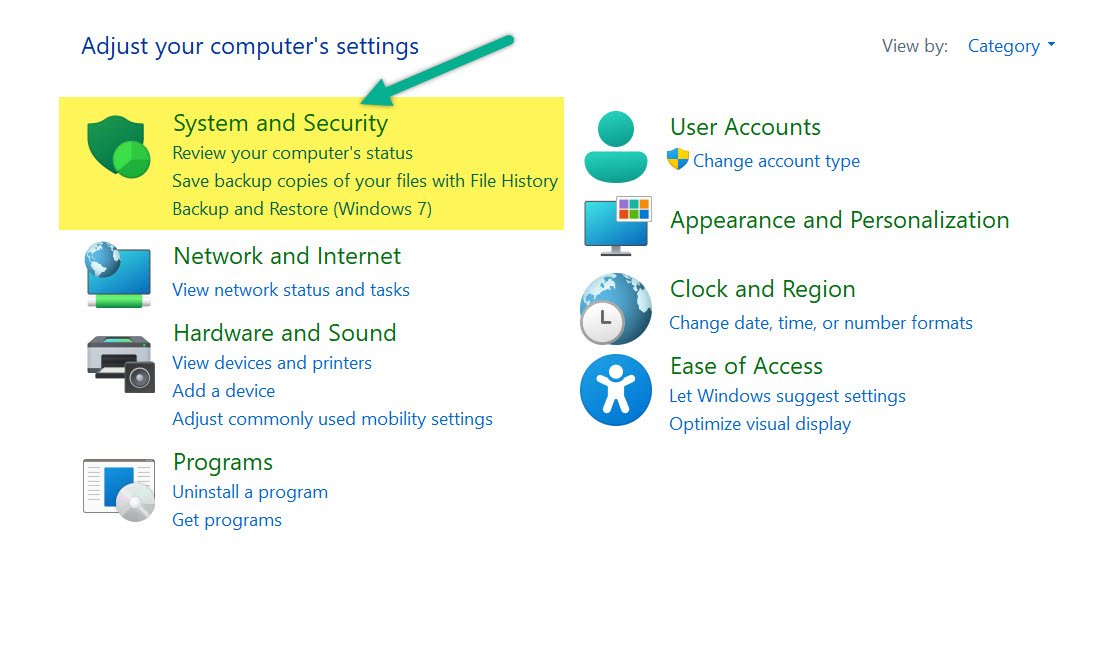
- Press Windows + R, type
control, and press Enter. - Navigate to System and Security → System.
- Scroll down to find the Windows activation section.

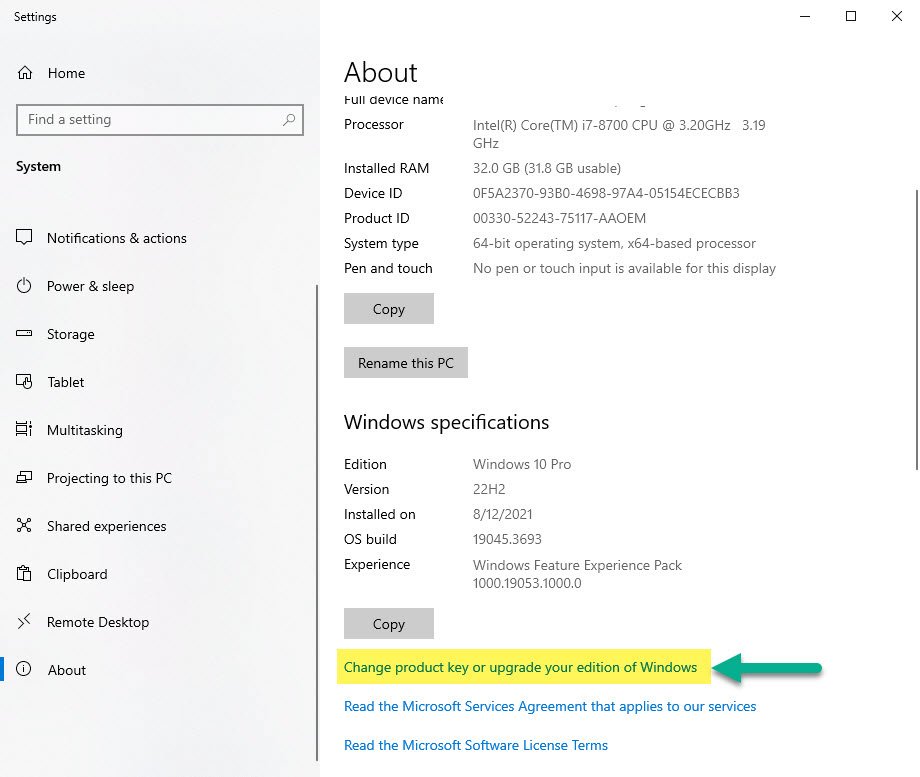
Method 3: Use Command Prompt
- Press Windows + X and choose Command Prompt (Admin) or Windows Terminal (Admin).
- Type
slmgr.vbs /xprand press Enter. - A pop-up will confirm your activation status.
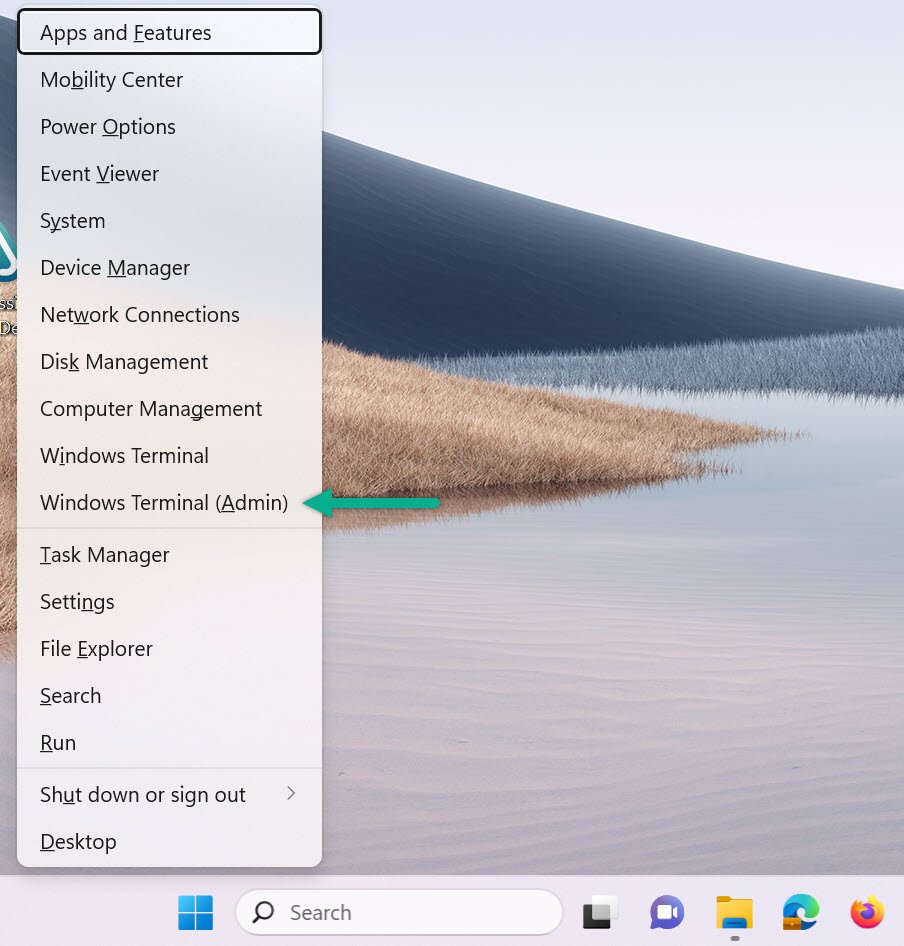
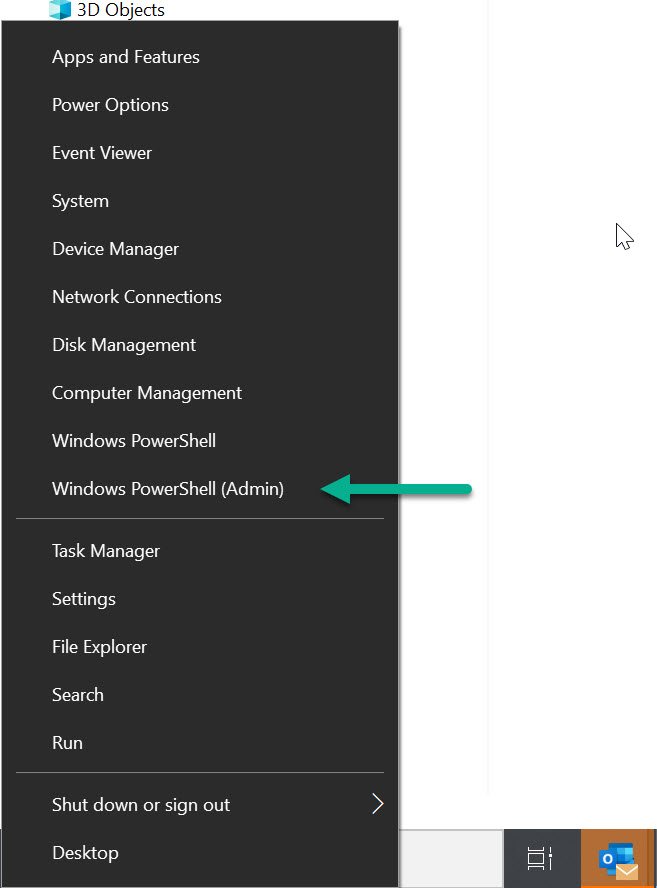
Method 4: Use Run Dialog (slui.exe)
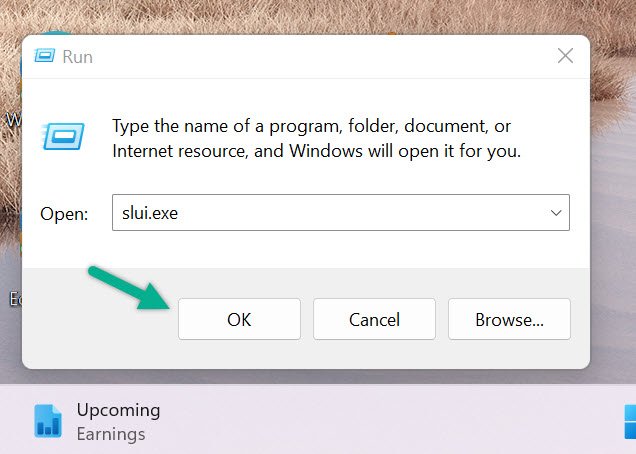
- Press Windows + R to launch Run.
- Type
slui.exeand press Enter. - The activation screen will appear, confirming current status.
What to Do If Windows Isn’t Activated
- Double-check your product key is valid and hasn’t been used elsewhere.
- Try linking your license to a Microsoft account for easier reactivation.
- Use
slui.exeto re-enter your key or troubleshoot issues. - Contact Microsoft Support if problems persist.
More Guides on MagnetClicks
- Add Users & Computers in Active Directory
- Create Security Groups in Active Directory
- Why MFA Matters for Windows Security
- Windows Activation Status (Expanded Guide)
Frequently Asked Questions
How do I know if my Windows is activated?
Go to Settings → System → Activation. If you see “Windows is activated,” your system is genuine and licensed.
What happens if Windows is not activated?
You may see a watermark on the desktop, be unable to personalize your settings, and may not receive important updates from Microsoft.
Can I activate Windows using a Microsoft account?
Yes. If your license is linked to your Microsoft account, you can reactivate Windows automatically after hardware changes or reinstallations.
Author: Waheed Burna with 15+ years of experience in enterprise Windows environments, licensing, and infrastructure management.